
External optical drives
Your discs still have stories to tell.
Blu-ray films, music CDs, holiday DVDs, software on disc or old floppy disks: aelrsoch external drives plug into a laptop that no longer has a built-in drive, over USB.
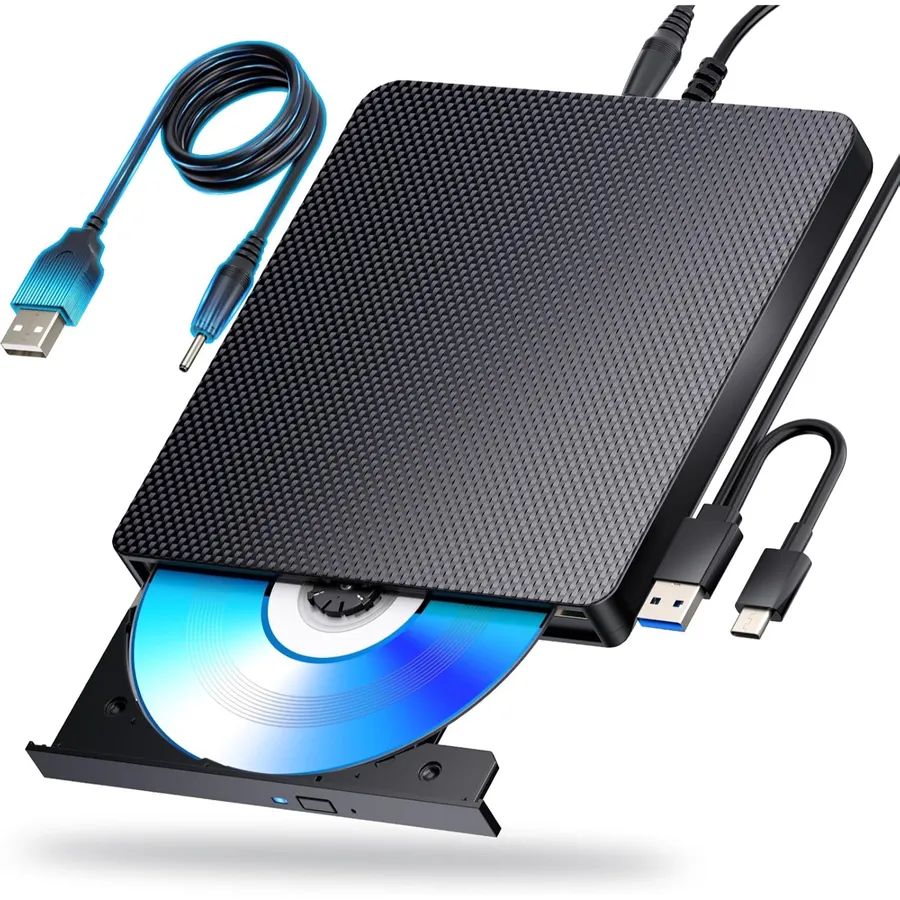
aelrsoch range
Choose by your discs
Blu-ray, CD and DVD or floppy disks: the media you need to read decides the drive, your computer’s ports do the rest.
Every drive side by side
Formats read and written, connection, supported systems: the key figures of each drive.
| Model | Specifications | |||
|---|---|---|---|---|
 USB-C Blu-ray Burner | DiscsBlu-ray (up to 100 GB BD-XL), DVD, CD | ConnectionUSB 3.0 / USB-C | SystemsWindows 7-11, macOS, Linux | PowerExtra USB power lead |
 USB-C Blu-ray Reader | DiscsReads BD; reads and writes DVD, CD | ConnectionUSB 3.0 / USB-C | SystemsWindows 7-11, macOS, Linux | ParticularityBlu-ray reading only |
Three questions before you choose
Which discs?
A Blu-ray drive also reads DVDs and CDs; a CD-DVD drive is enough for music, photos and software.
Which connection?
USB-A or USB-C: check your computer’s ports and whether the drive runs from a single port.
Which software?
Playing Blu-ray films often needs playback software on the computer: plan for it before the first film.
Drives to discover
Blu-ray (up to 100 GB BD-XL), DVD, CDUSB-C Blu-ray Burner
An external Blu-ray burner for laptops and PCs that reads and writes Blu-ray, DVD and CD discs through a USB 3.0 or USB-C connection. An additional USB power lead keeps the supply steady while you watch films or burn your archives.
USB 3.0 / USB-CWindows 7-11, macOS, LinuxReads BD; reads and writes DVD, CDUSB-C Blu-ray Reader
An external Blu-ray reader that brings Blu-ray, DVD and CD discs back to laptops and PCs without a built-in drive. It reads Blu-ray discs and also reads and writes DVDs and CDs through a combined USB 3.0 and USB-C lead.
USB 3.0 / USB-CWindows 7-11, macOS, Linux